ACE Voice

Your work number, right on your desktop.

Call, text, check voicemail, and manage your lines from one clean desktop app.

CallsMessagesVisual voicemailContactsMultiple lines

Two ways to call

Choose how you want to use ACE Voice.

Start with a new ACE number for a complete line, or keep your current service and call out with a verified caller ID.

New ACE number

Get a new ACE number

A dedicated ACE Voice line for everyday calling, with plan capabilities shown before checkout.

  • Receive and make calls
  • SMS and voicemail where included
  • E911 where available on eligible plans
  • Manage the line from the desktop app

Existing number

Call from your existing number

Keep your current service. No number transfer needed.

  • Use your verified caller ID for outbound calls
  • Keep receiving calls with your current provider
  • A simple add-on for caller identity

Product tour

Built around real desktop calling workflows.

ACE Voice keeps the daily phone tasks close to the work you are already doing.

Calls

Make and receive calls with less friction.

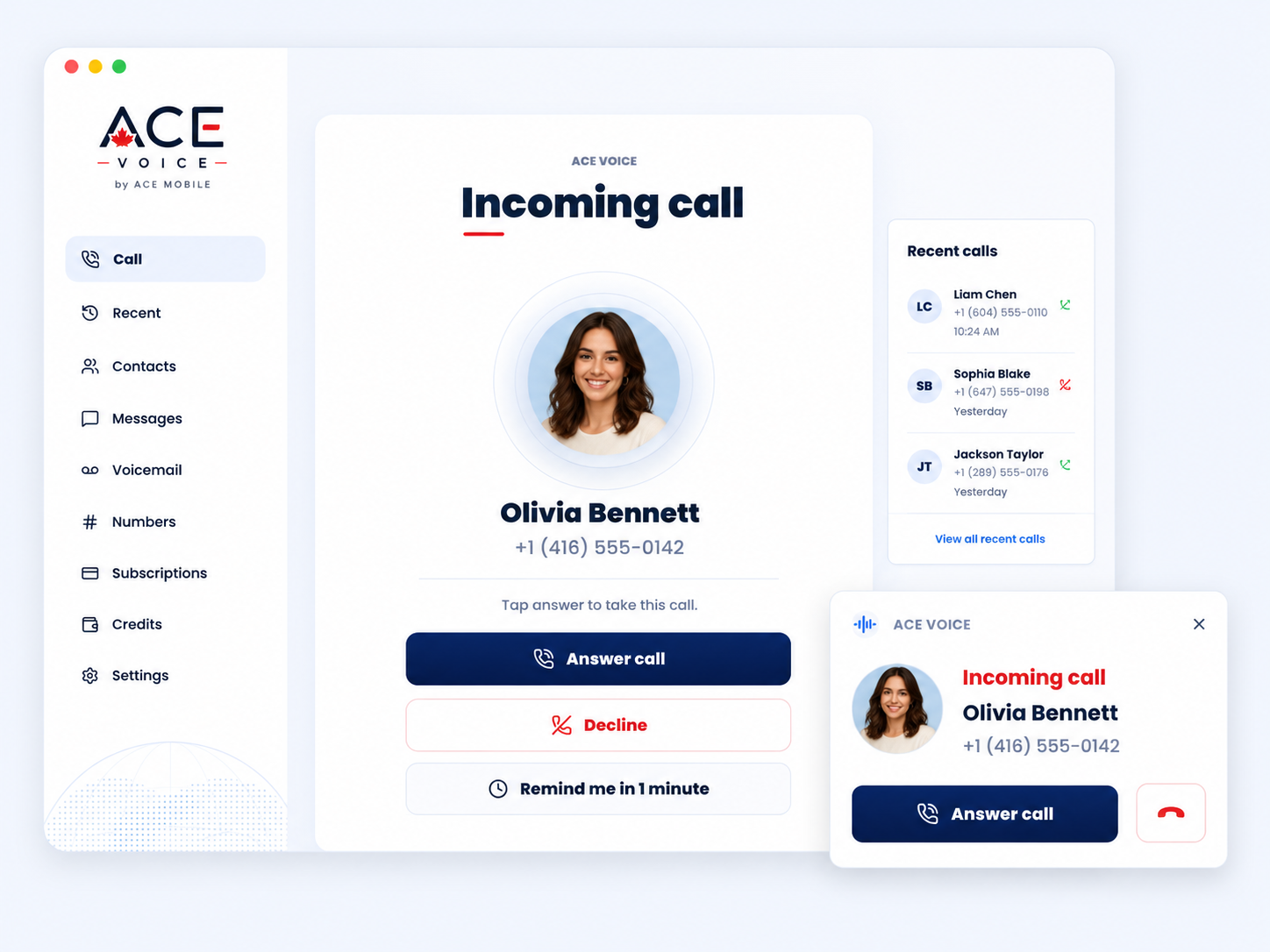
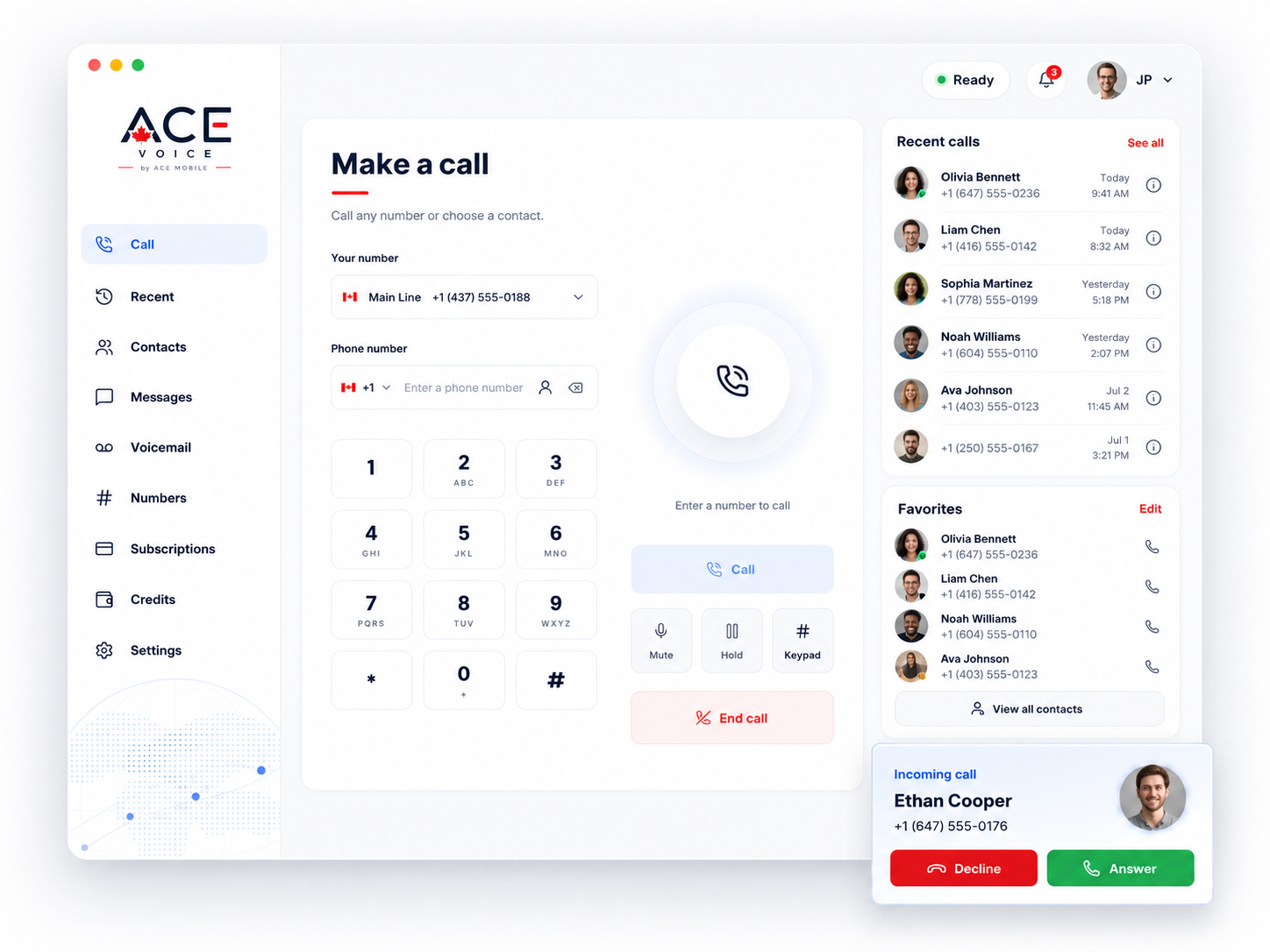
Choose your line, search a contact, answer from the app or menu bar, and keep keypad tones available for call-center menus.

  • Line selector before every call
  • Incoming-call view in the main app and tray
  • Recent calls with contact context

Messages and voicemail

Keep messages and voicemail together.

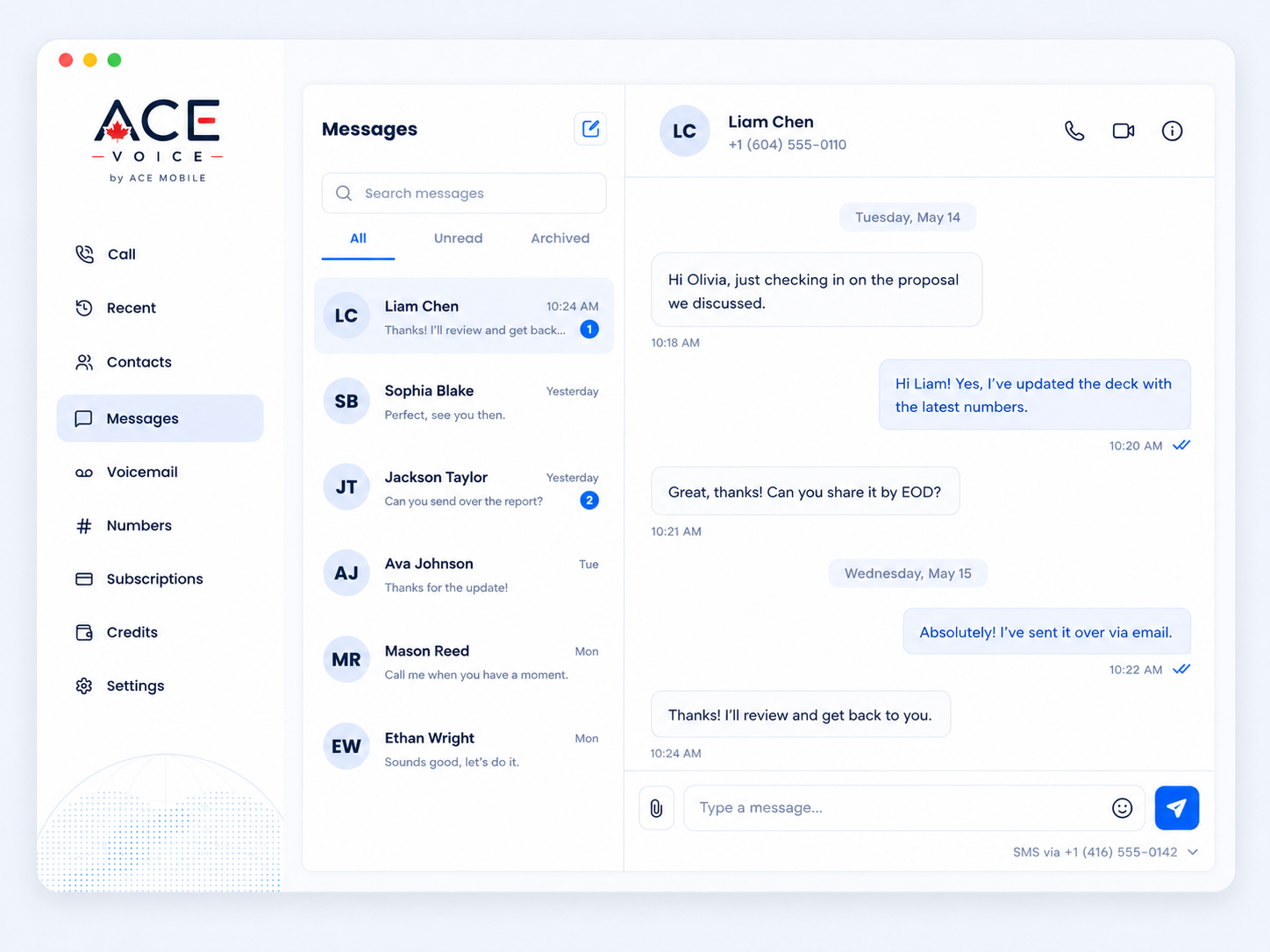
Supported lines can text from the desktop, while unanswered calls land in a visual voicemail inbox with playback and callback actions.

  • SMS conversations with contact lookup
  • Visual voicemail with unread state
  • Call back or message from the detail panel

Lines and credits

Keep every line organized.

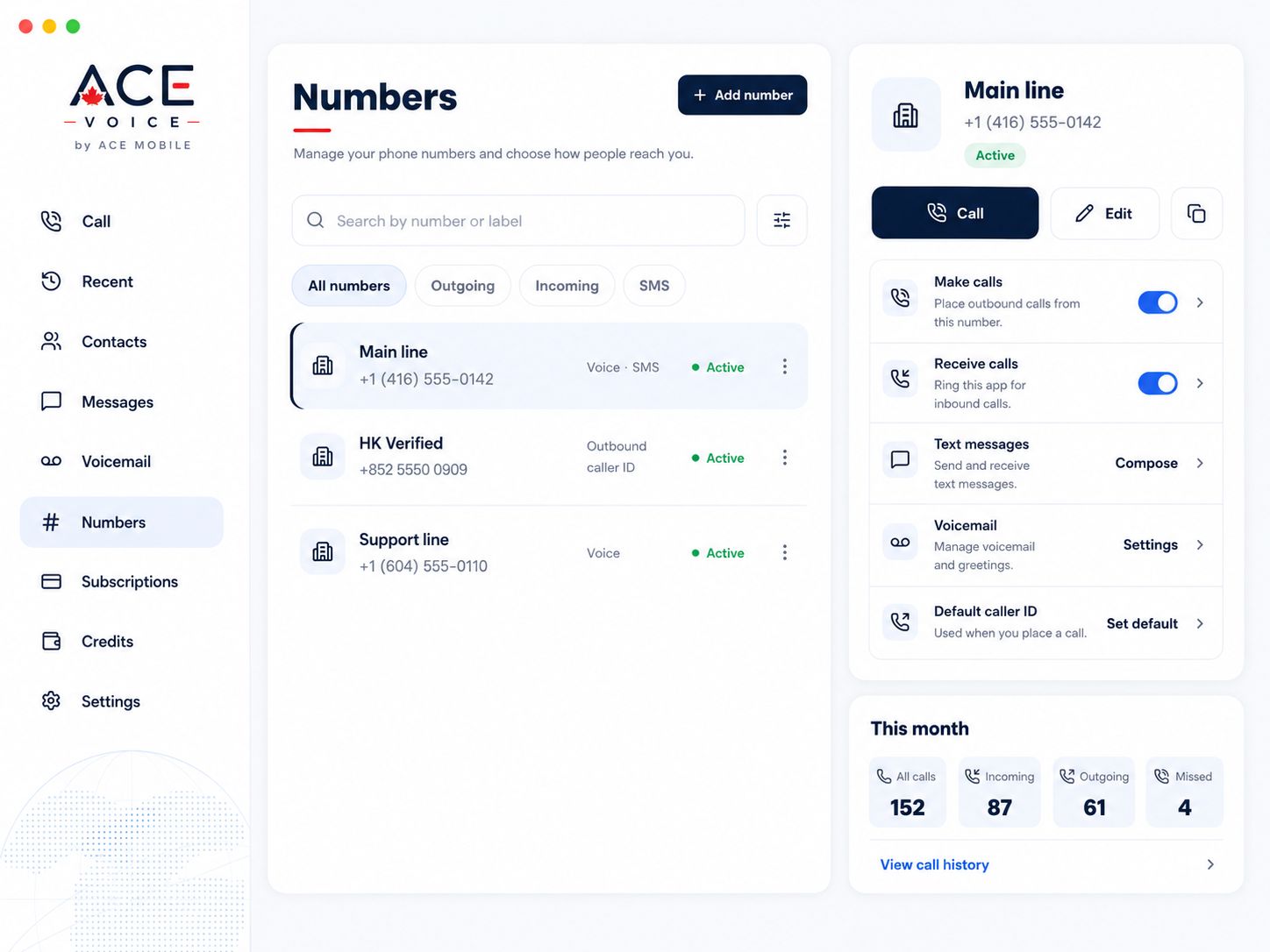
See which lines can call, text, or receive voicemail, manage labels, choose a default caller ID, and top up credits when you need them.

  • New ACE numbers and existing caller IDs side by side
  • Capability badges by line
  • Credits and subscriptions in the same app

How it works

A desktop phone setup in three steps.

Pick the line type that fits, sign in, then keep calls, texts, voicemail, and line settings in one place.

01

Choose your line

Start with a new ACE number or add an existing number for outbound caller ID.

02

Sign in to ACE Voice

Your contacts, lines, voicemail, and credits follow your account on the desktop app.

03

Call, message, and manage

Use the main window or menu-bar dialer to stay ready without changing tools.

Plans and credits

Simple line plans with pay-as-you-go credits.

Choose the line type you need, then add credits when you call beyond included allowances or to supported destinations.

New number

Basic

CA$4.99/month

A simple ACE line for calling essentials.

  • Incoming calls
  • Outgoing calls
  • E911 where available
  • Included monthly credits
Best for a dedicated calling line.
New number

Preferred

CA$6.99/month

Everything in Basic, plus messaging and voicemail.

  • Incoming and outgoing calls
  • SMS support
  • Visual voicemail
  • More included monthly credits
Best for a complete calling line.
New number

Full

CA$12.99/month

Everything in Preferred, plus more discounted credits.

  • Incoming and outgoing calls
  • SMS support
  • Visual voicemail
  • More included monthly credits
Best for frequent calling and messaging.
Existing number

Your number

CA$1.99/month

Use your own number as outbound caller ID without moving service.

  • Outbound calls only
  • No number transfer needed
  • Keep your current provider
  • No inbound calls, SMS, voicemail, or E911
Best when you only make outbound calls.

Questions

Good to know before you choose a line.

Can I use my current phone number?

Yes. You can add an existing number as a verified caller ID for outbound calls while keeping your current service with your current provider.

Do I need to transfer my number?

No transfer is needed for the existing-number option. Choose a new ACE number if you want incoming calls to ring inside ACE Voice.

What is included with a new ACE number?

A new ACE number can support incoming and outgoing calls. SMS, visual voicemail, credits, and E911 availability depend on the plan and eligible destination.

Can I use ACE Voice for SMS?

SMS is available on eligible ACE-number plans. Existing caller ID lines are for outbound calls only and do not include SMS.

How do credits work?

Credits are one-time top-ups used for eligible calling usage. Larger top-ups can include bonus credit, and you can check the rate before you place a call.

Is ACE Voice available on Mac and Windows?

ACE Voice is built as a desktop app, including a macOS menu-bar calling experience. Platform availability can depend on the release build you install.

ACE VOICE

Download ACE Voice for your desktop.

Get ACE Voice for macOS, Windows, or Linux. Sign in with your ACE account and keep calling, messaging, and managing your lines from one workspace.